


TEXONIC
TEXONIC TOSLINK Optical Digital Audio Cable – TV & Soundbar | 3–50ft
TEXONIC TOSLINK Optical Digital Audio Cable – TV & Soundbar | 3–50ft
SKU:O-PB50
Couldn't load pickup availability
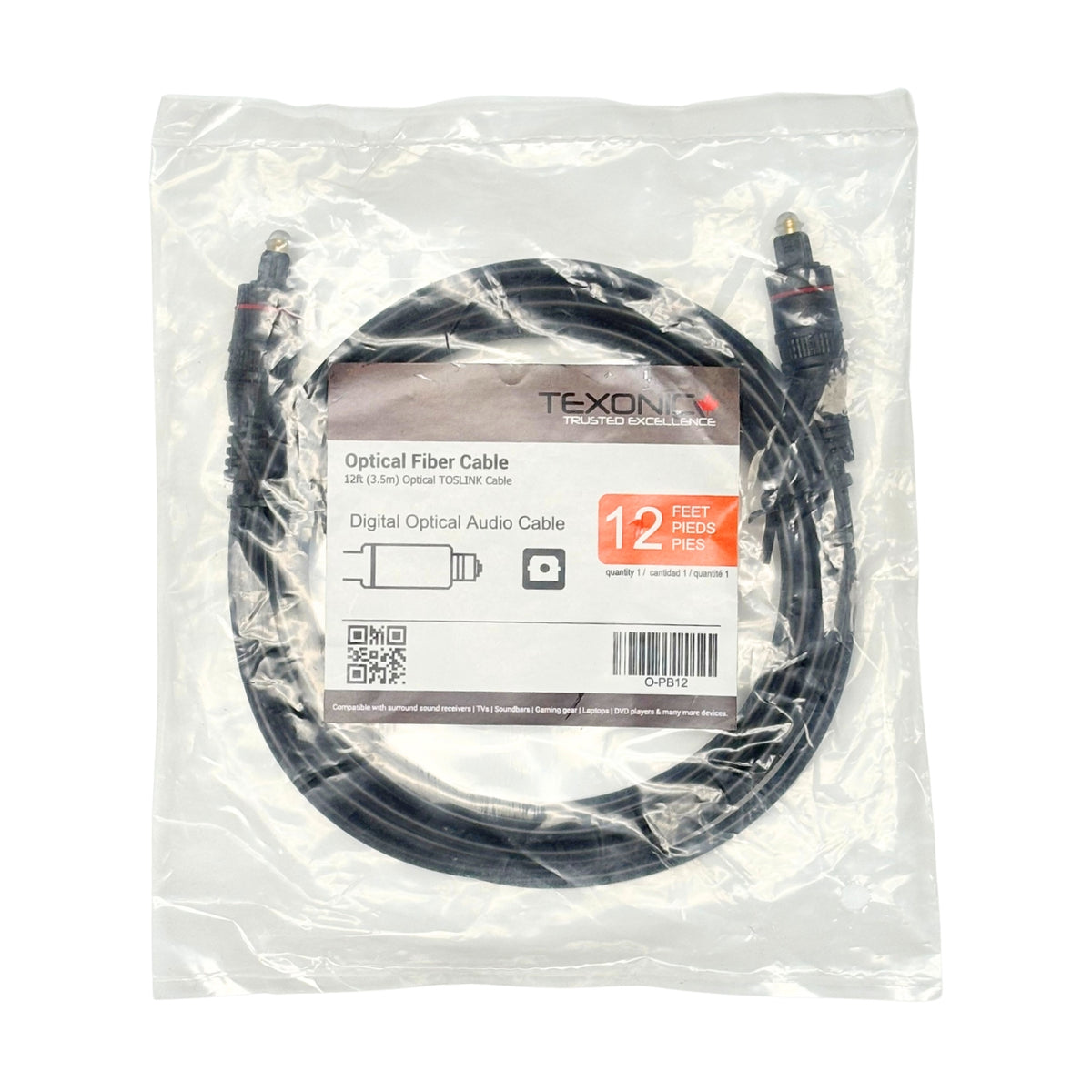
TEXONIC O-PB TOSLINK Optical Digital Audio Cable
Connect your TV, soundbar or AV receiver with a digital optical audio connection. The TEXONIC O-PB TOSLINK Cable is designed to transmit a digital audio signal between devices equipped with compatible optical S/PDIF ports.
Using a fibre optic core, the cable transmits digital audio using light rather than an electrical audio signal. This helps avoid electrical interference pickup along the optical connection.
Featuring a bronze ferrule and a flexible triple layer protective jacket, the O-PB cable offers a practical connection for compatible TVs, soundbar, home theatre receivers, audio processors and digital audio converters.
Available in 3ft, 6ft, 10ft, 12ft, 15ft and 50ft lengths , allowing you to select the cable that best fits your equipment layout.
Select your preferred Cable Length from the product options before adding to cart.
Digital Optical Audio for TVs, Soundbars & Home Theatre Systems
Many televisions and audio systems include a digital optical connection for sending audio between compatible devices.
The TEXONIC O-PB carries digital audio through a fibre-optic connection, making it a convenient choice when your TV or audio source has an optical output and the receiving equipment has a matching optical input.
The standard full-size TOSLINK connection is commonly labelled OPTICAL, DIGITAL AUDIO OUT (OPTICAL), or S/PDIF OPTICAL on equipment.
Common Applications
How Does Optical Audio Work?
A TOSLINK optical cable carries a digital audio signal through a fibre-optic core.
Because the transmission uses light, the cable does not create a direct electrical signal connection between the connected audio devices.
This helps prevent electrical interference from being induced into the cable's transmitted audio signal.
What Audio Formats Can It Carry?
Optical S/PDIF commonly supports two-channel PCM digital audio and compatible compressed surround formats, such as Dolby Digital, depending on the capabilities and settings of both connected devices.
The cable itself does not decode audio or determine which formats a television, soundbar or receiver supports.
Key Features & Benefits
- TOSLINK optical digital audio cable
- Designed for compatible optical S/PDIF equipment
- Fibre optic signal transmission
- High grade fibre optic core
- Bronze ferrule construction
- Flexible triple layer protective jacket
- Suitable for compatible TVs and soundbars
- Useful for home theatre AV receiver connections
- Supports digital audio transmission using light
- Six available cable lengths
Fibre-Optic Digital Audio Transmission
The fibre optic connection transfers the digital signal through light pulses rather than conventional metal audio conductors.
This makes TOSLINK a practical option for avoiding electrical interference pickup along the audio cable.
Protective Triple-Layer Jacket
The cable includes a flexible three layer protective jacket designed to protect the optical core during normal use.
Fibre-optic cables still need careful routing. Avoid sharp bends, crushing, stretching or excessive pressure.
Multiple Length Options
The O-PB family offers short cables for nearby equipment and longer choices for separated audio components.
Always choose the shortest practical cable length that comfortably reaches between devices.
Compatible Digital Audio Equipment
TOSLINK is commonly found on televisions, soundbars, home theatre receivers, audio processors and other suitable digital audio equipment.
Technical Specifications
Which Optical Audio Cable Length Do I Need?
Measure the actual cable route between your source equipment and the soundbar, receiver or other device.
Allow enough extra length to route the cable without pulling on its connectors or creating sharp bends.
Ideal for compatible devices installed next to each other on an entertainment shelf or cabinet.
A practical choice for many TVs and soundbars positioned within the same entertainment area.
Useful when the optical connection needs to travel behind furniture or equipment.
Suitable when the cable must travel farther around an entertainment cabinet or AV setup.
Consider for compatible equipment positioned at different points in the same room.
For specialized installations requiring more distance. Optical performance depends on the connected equipment and cable characteristics. Test before permanent routing.
How to Connect Your TOSLINK Cable
Locate the OPTICAL OUT port on your TV or source device and the OPTICAL IN port on your soundbar or audio receiver.
If the optical connectors have removable protective caps, remove them before connecting the cable.
Align the TOSLINK plug with the matching optical socket and insert gently. Do not force a misaligned connector.
In the TV or source device settings, select the appropriate digital optical or external audio output option.
Choose Optical as the input on the soundbar or receiver. Test audio playback and adjust digital audio settings if necessary.
What If I Have No Sound?
First, verify that both connectors are inserted correctly and that the TV is set to send audio to its optical output.
If your audio system does not support the output surround format, try selecting PCM in the TV's digital audio settings.
Does Optical Support Dolby Digital?
Standard optical S/PDIF can carry compatible compressed Dolby Digital audio, provided the source and receiving device both support the format.
Audio compatibility depends on the equipment, its settings and the content being played.
Does This Cable Support Dolby Atmos?
Standard TOSLINK optical S/PDIF is not the connection to choose for full HDMI-based Dolby Atmos or lossless surround formats.
For those applications, check whether your television and sound system support HDMI ARC or eARC.
Can I Connect Optical Audio to HDMI?
No. TOSLINK and HDMI use different connections and signalling formats. This cable does not convert between them.
Does This Cable Fit Mini-TOSLINK?
The standard TOSLINK plug is different from the smaller 3.5mm mini-TOSLINK optical connection found on some equipment.
Check your device's optical connector format before ordering.
Can I Bend an Optical Cable Sharply?
Avoid tight bends, kinks and crushing. Excessive bending can interfere with the light passing through the fibre and may damage the optical core.
What's Included
Supplied in your selected 3ft, 6ft, 10ft, 12ft, 15ft or 50ft length.
Before Ordering
Confirm your source equipment has a compatible TOSLINK optical audio output and your receiving device has a compatible optical audio input.
Measure your cable route and verify the intended audio format and connection settings.
Need a Different Audio Cable?
TEXONIC offers additional audio cable options for compatible equipment, including RCA audio, subwoofer cables and other AV connections.
Shop TEXONIC Audio Cables →Share
Brand new
Brand new
All our Texonic products are brand new and we don't sell refurbished items
Warranty
Warranty
One of our main goals is to provide our customers with the best products and services. All our TEXONIC products are covered under 2 year of manufacturing warranty.
Shipping
Shipping
Orders placed before 7:00 AM EST will be shipped the same business day. Orders placed after the cutoff time will be shipped on the following business day.
Please note: Free shipping is available in select provinces only. Additional shipping charges may apply to other regions.


Need assistance?
Having trouble deciding which product is suitable for your project or have any questions? Don't worry we are happy to help. You can call, text or email us☺